Library Resource Management with Automated Checkout
Self-check kiosks, security gates and shelf inventory that runs in an hour instead of a fortnight.
The problem it solves
A library issue desk spends most of its day doing something a machine does better, while the questions only a librarian can answer wait in the queue behind it.
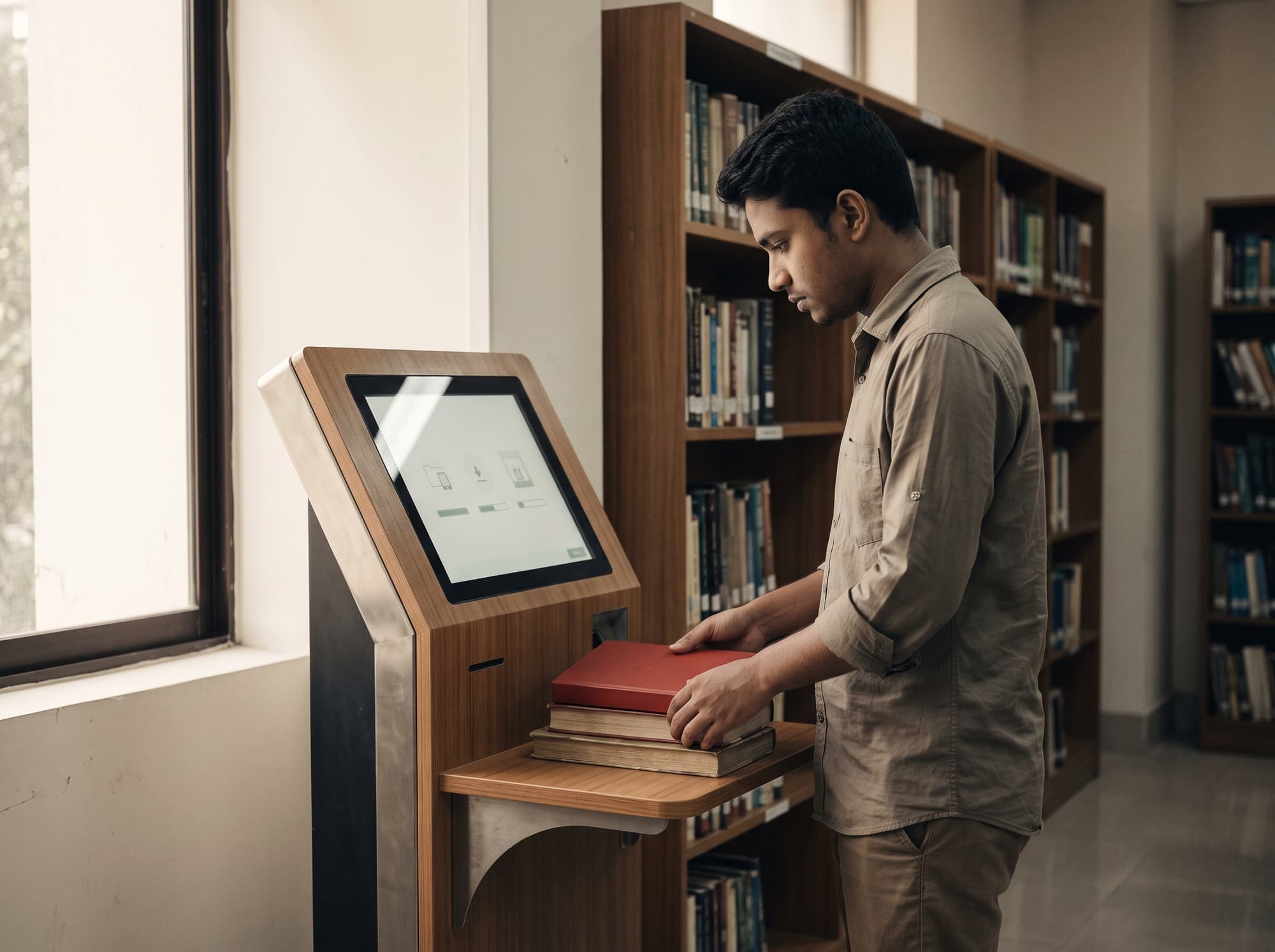
RFID reads a stack of books at once, without line of sight and without opening a cover. A student places four books on a kiosk shelf and takes them; the loan is recorded, the security bit is switched off, and nobody queued. Returns work the same way, including through a book drop at two in the morning.
The bigger operational win is shelf inventory. Reading a full range with a wand takes an hour rather than the fortnight a manual shelf-read costs, so it can happen termly instead of never — which is how misplaced items get found instead of being written off as lost.
The workflow
Four steps, in this order. A step out of sequence is a broken process, not a variation.
- 01
Tag and catalogue
Items are tagged and linked to the existing library management system record — no re-cataloguing.
- 02
Self-issue
A stack is read in one pass at the kiosk, the loan posts to the ILS, and security is switched off.
- 03
Exit check
Gates alarm on an item that was never issued, and log the event either way for pattern analysis.
- 04
Return and shelve
Book drop and return bin reads discharge loans automatically; wand sweeps find misplaced items on the shelf.
What it is
made of
Four layers, in the order data moves: a tag is read, the read becomes an event, a rule decides what it means, and a business system acts on it.
- 01
Tags
What carries the identity
- HF or UHF item tags for books and media
- Security bit for gate alarming
- Cased tags for CDs and DVDs
- 02
Readers & edge
What turns presence into an event
- Self-service kiosks with stack reading
- RFID security gates at the exit
- Book drop and return bin readers
- Shelf wands for inventory sweeps
- 03
Platform
What decides what the event means
- ILS integration and loan posting
- Security bit management
- Shelf inventory and misplaced-item detection
- Circulation and gate event reporting
- 04
Integrations
What acts on the decision
- ILS / LMS
- Student records
- Fines and finance
What we supply
- 01
Self-service kiosk
Reads a stack in one pass, so the interaction is place-tap-take rather than scan-scan-scan. Three touches, and the queue for the desk is only people with actual questions.
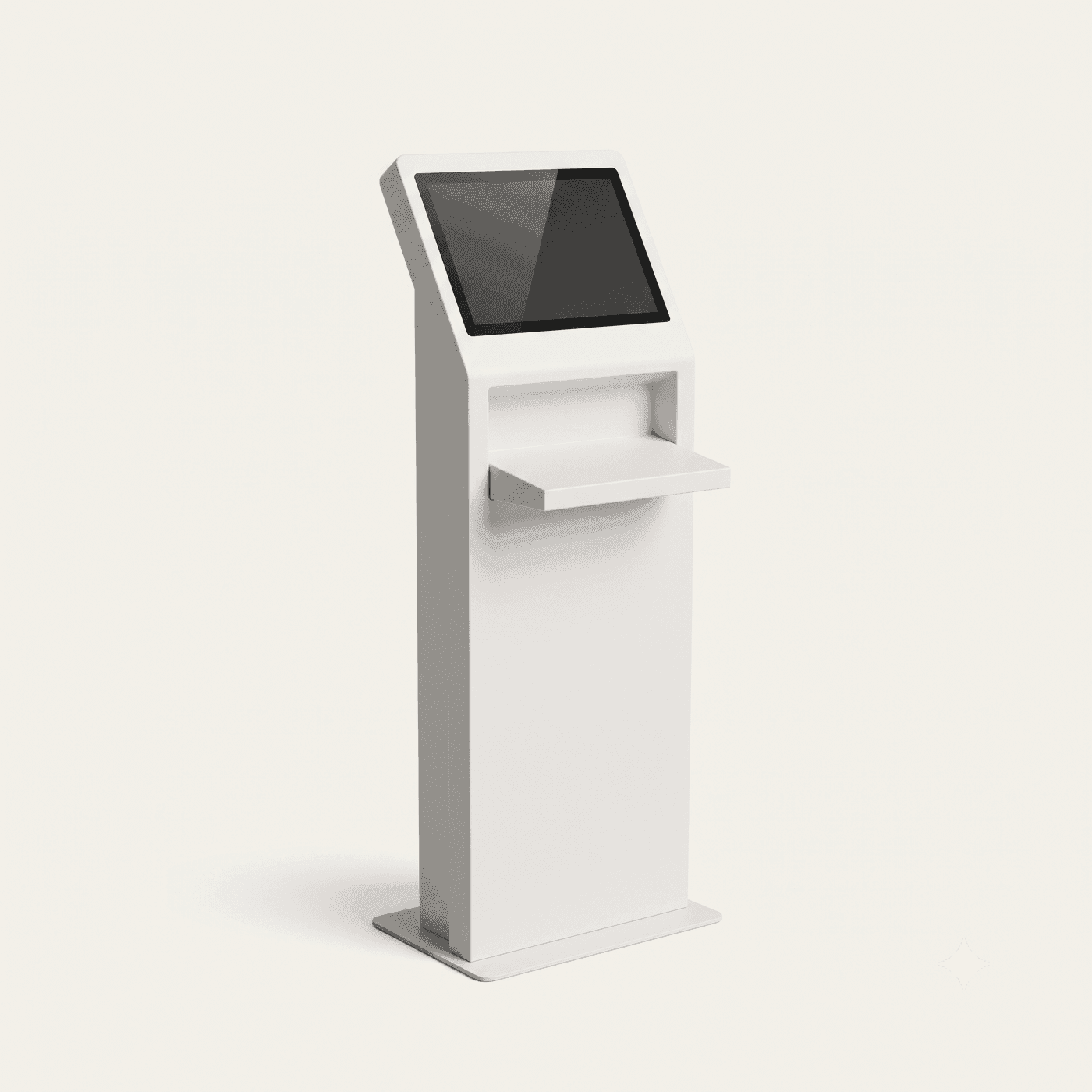
- Stack reading, multiple items at once
- Touch screen, Bangla and English
- Security bit switching on issue
- Receipt or on-screen confirmation
- 02
RFID security gate
Alarms on the security bit, not on the loan record, so it works even if the network is down. Compact options exist for entrances where a full pedestal pair will not fit.
- Single or dual corridor
- Alarms on unissued items
- Bi-directional people counting option
- Compact footprint variants
- 03
Shelf wand
Turns shelf-reading from a fortnight into an hour. This is the component that changes what a library can actually do with its collection.
- Extended-reach wand
- Misplaced-item detection
- Search mode for a specific title
- Full-range sweep reporting
What to expect
Ranges, not single flattering figures. Baselines are captured for four to eight weeks before a pilot starts, so the delta is measured rather than claimed.
- Issue time
- Seconds, self-served
- Shelf inventory
- Hours, not weeks
- Desk queue
- Questions only
- Misplaced items
- Found, not written off
What to plan for
Every module has a failure mode. These are the ones that actually bite on this one, and what we do about them — because finding out later costs more than knowing now.
- Gate footprint is a real constraint in older library buildings with narrow or listed entrances.
- Compact gate options and a phased rollout — kiosks and shelf inventory deliver most of the operational benefit and can go in before any decision about the entrance is made.
Your existing systems
- ILS / LMS
- Student records
- Finance
Where it earns its keep
- University and school libraries with queues at the issue desk
- Collections large enough that manual shelf-reading never happens
- Libraries wanting 24/7 returns without staffing them
Before you
buy
The things operations directors actually ask on the first call.
Do we have to re-catalogue the collection?
No. Tags are linked to your existing ILS records during tagging. The catalogue stays where it is; the tag simply becomes another way to reach the same record.
How long does tagging a collection take?
It is the main project cost and depends entirely on collection size. It is a one-off, usually run over a vacation period, and after that new acquisitions are tagged at accession as routine.
HF or UHF for books?
Both are deployed in libraries. HF is the traditional choice and very reliable at the kiosk; UHF reads shelves faster and further, which matters more if inventory sweeps are your priority. We recommend based on which of those two jobs you care about most.
The rest of education
- 01
Audit & Compliance Management
Turn the annual asset audit from three weeks of manual counting into a two-day walk-through.
- 02
IT Equipment & Laboratory Asset Tracking
Know where laptops and lab instruments are between audits, and get an alert when one leaves.
- 04
Student & Staff ID and Access Control
One credential for entry, attendance and library, with access rights that follow enrolment.
- 05
Sports Equipment & Facility Management
Issue, return and maintenance tracking for kit that currently walks off quietly.
Let's design theright system foryour floor
- Call+880 1713 819528 · 01713 222558
- Email[email protected]
- VisitGround Floor, House-7, Road-13, Sector 14, Uttara, Dhaka-1230
Get your quote
Tell us your store type and city. A specialist surveys your floor, recommends the exact system and sends a clear quote — no obligation.
Request a quote Chat on WhatsApp