
Smart Room Access & Guest Personalisation
Credentials that open the room and, where the building allows, arrive with the room already set the way the guest likes it.
The problem it solves
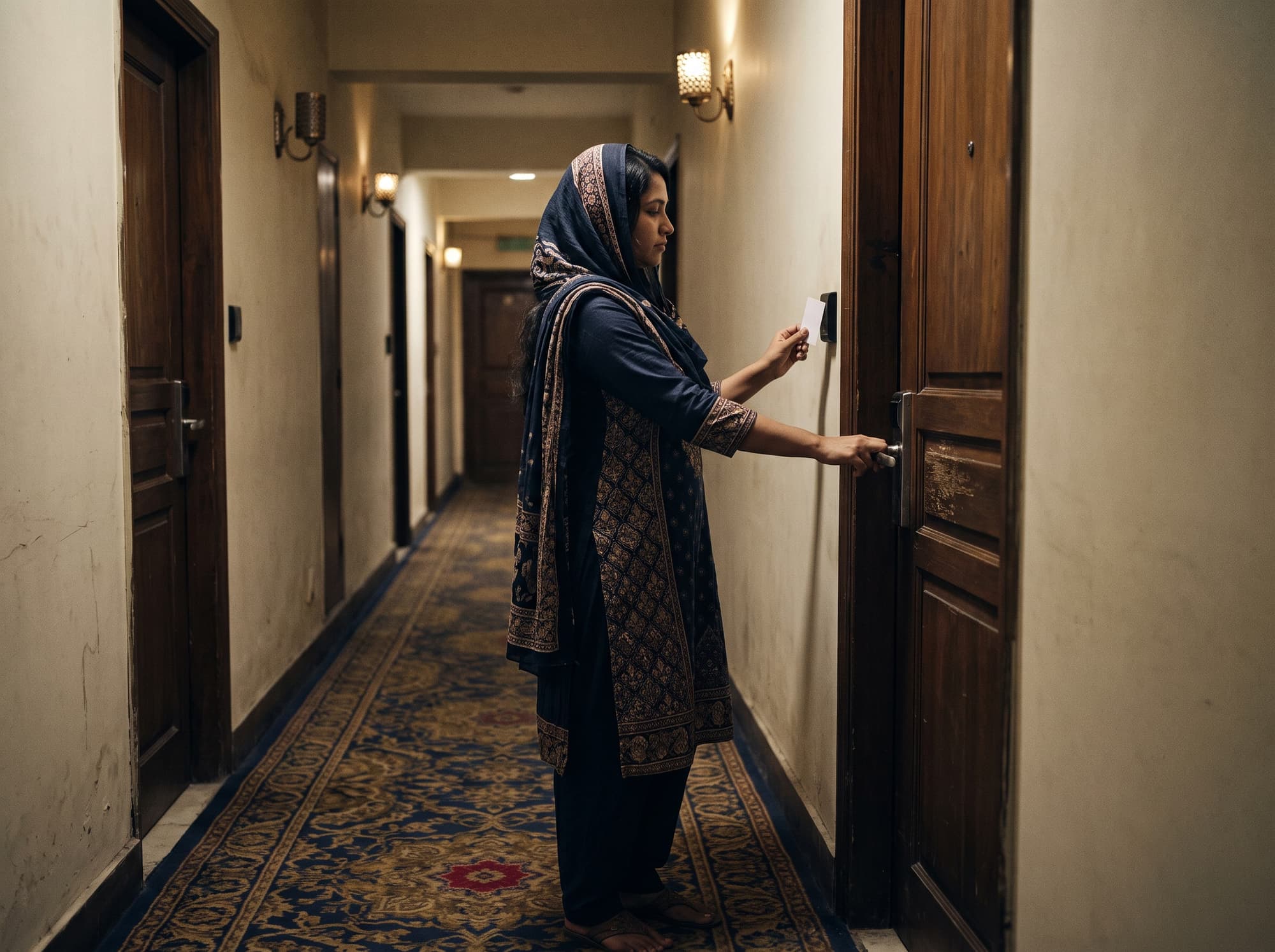
A guest judges a hotel in the first ten seconds at the door. A card that needs three taps undoes whatever the lobby just achieved.
Room access is the most-used piece of technology in a hotel and the one most likely to generate a complaint. Reliability is the entire brief: a credential that works first time, every time, and can be reissued at the desk in seconds when it does not.
Personalisation is the layer above, and it is worth being clear that it depends on the building. Where a BMS exposes room controls, a preference profile can set temperature and lighting before the guest walks in. Where it does not — which is most existing properties — this module is access control that works properly, and that alone is worth doing.
The workflow
Four steps, in this order. A step out of sequence is a broken process, not a variation.
- 01
Check in
The credential is encoded at the desk against the reservation, with validity bounded by the stay.
- 02
Access
Door readers check rights offline at the lock, so entry never depends on the network being up.
- 03
Personalise
Where the BMS supports it, the preference profile applies room settings on first entry.
- 04
Check out
Rights expire automatically at checkout; the credential is recycled or disposed of.
What it is
made of
Four layers, in the order data moves: a tag is read, the read becomes an event, a rule decides what it means, and a business system acts on it.
- 01
Tags
What carries the identity
- HF/NFC key cards
- Wristbands for resort and pool properties
- Staff credentials with role-based rights
- 02
Readers & edge
What turns presence into an event
- Door lock readers with offline validation
- Desk encoder at reception
- Lift and floor-restriction readers
- 03
Platform
What decides what the event means
- Credential issue and expiry
- Access rights by role and reservation
- Preference profiles where BMS allows
- Access event log for incident review
- 04
Integrations
What acts on the decision
- PMS
- BMS
- Door lock system
What we supply
- 01
Door reader
Validates offline at the lock. A guest must never be locked out because a network switch failed, so the credential carries what the lock needs to decide.
- Offline validation at the lock
- Battery-powered, multi-year life
- Low-battery reporting
- Mechanical override retained
- 02
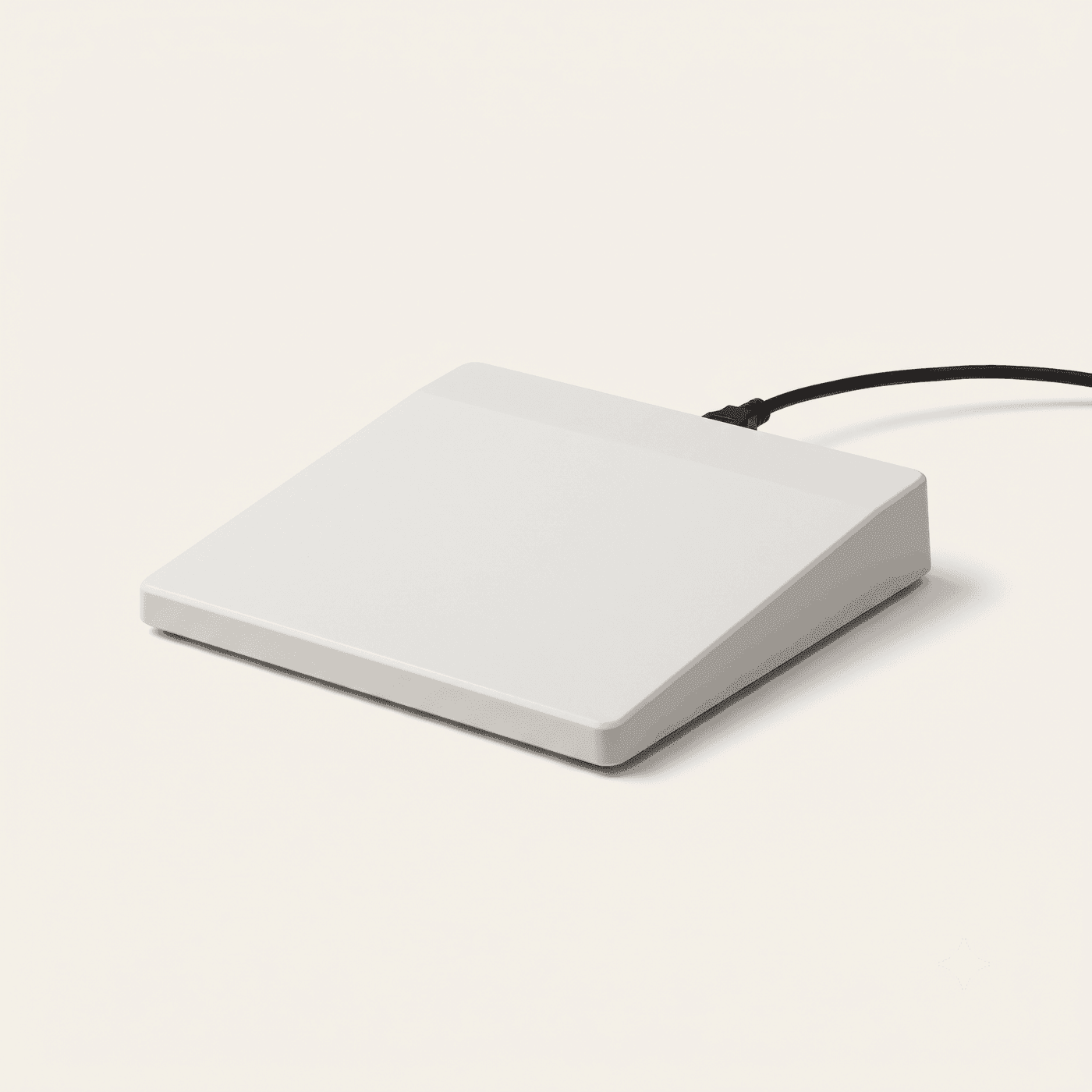
Desk encoder
Encodes a credential in seconds against the reservation. Reissue speed at the desk is what a guest actually experiences when something goes wrong.
- Reception counter-top
- PMS-integrated encoding
- Card and wristband support
- Instant reissue and revoke
What to expect
Ranges, not single flattering figures. Baselines are captured for four to eight weeks before a pilot starts, so the delta is measured rather than claimed.
- Room access failures
- <0.5% reissued/week
- Reissue time
- Seconds at the desk
- Access events
- Logged for review
- Rights expiry
- Automatic at checkout
What to plan for
Every module has a failure mode. These are the ones that actually bite on this one, and what we do about them — because finding out later costs more than knowing now.
- PMS and BMS integration varies enormously between properties, and personalisation may simply not be reachable in an older building.
- Connector coverage is confirmed against your specific PMS and BMS before anything is quoted. Where personalisation is not reachable, we scope the module as access control and say so rather than selling a capability the building cannot deliver.
Your existing systems
- PMS
- BMS
- Lock system
Where it earns its keep
- Four and five-star properties with 100+ rooms
- Hotels replacing ageing or unreliable lock systems
- Resorts wanting wristband credentials for pool and beach areas
Before you
buy
The things operations directors actually ask on the first call.
What happens if the network goes down?
Doors keep working. Validation happens at the lock using what the credential carries, so entry never depends on connectivity. That is a hard requirement, not a feature.
Can we get the personalisation without replacing the BMS?
Only if the existing BMS exposes room controls through an interface we can reach. Many do not. We check before quoting, and if the answer is no we scope this as access control rather than promising the rest.
Cards or wristbands?
Cards for city hotels, wristbands for resorts where guests are in swimwear and a card has nowhere to go. Both use the same credential system and can be mixed within a property.
Let's design theright system foryour floor
- Call+880 1713 819528 · 01713 222558
- Email[email protected]
- VisitGround Floor, House-7, Road-13, Sector 14, Uttara, Dhaka-1230
Get your quote
Tell us your store type and city. A specialist surveys your floor, recommends the exact system and sends a clear quote — no obligation.
Request a quote Chat on WhatsApp